My mom called me in a mild panic a few weeks ago because she’d gotten a forwarded WhatsApp message from her sister claiming “WhatsApp Money” had just launched in the U.S. and everyone needed to link their debit card immediately to avoid missing out on some transfer bonus.
She was seconds away from typing her card number into a random link at the bottom of the message when she decided to call me first. Good instinct, terrible message. That whole thing turned out to be a chain forward with zero truth to it, and it’s honestly the reason I sat down to write this.
Because here’s the thing: WhatsApp actually does intersect with digital payments in a bunch of real, legitimate ways for U.S. users. It’s just not the one thing everyone assumes, and misinformation like that message my mom got makes it worse. I’ve spent a good chunk of this year using WhatsApp around money in different contexts — personal, small business, international — and I want to lay out the full picture in one place, the accurate version, not the forwarded-message version.
Let’s Kill the Myth First
There is no “WhatsApp Money” feature that just launched in the U.S. WhatsApp Pay is real, but it only works in India and Brazil, tied to those countries’ specific payment infrastructure. Meta explored bringing a similar wallet to the U.S. years ago through something called Novi, but that project got shut down and nothing replaced it.
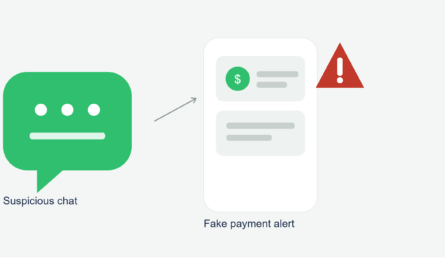
So if you ever get a message, forward, or “official-looking” notification claiming otherwise and asking you to link a card through a link, don’t. That’s exactly the setup for a phishing scam, and I’ve now seen at least three different variations of this rumor pop up over the past year alone.
So What’s Actually True? Here’s the Full Landscape
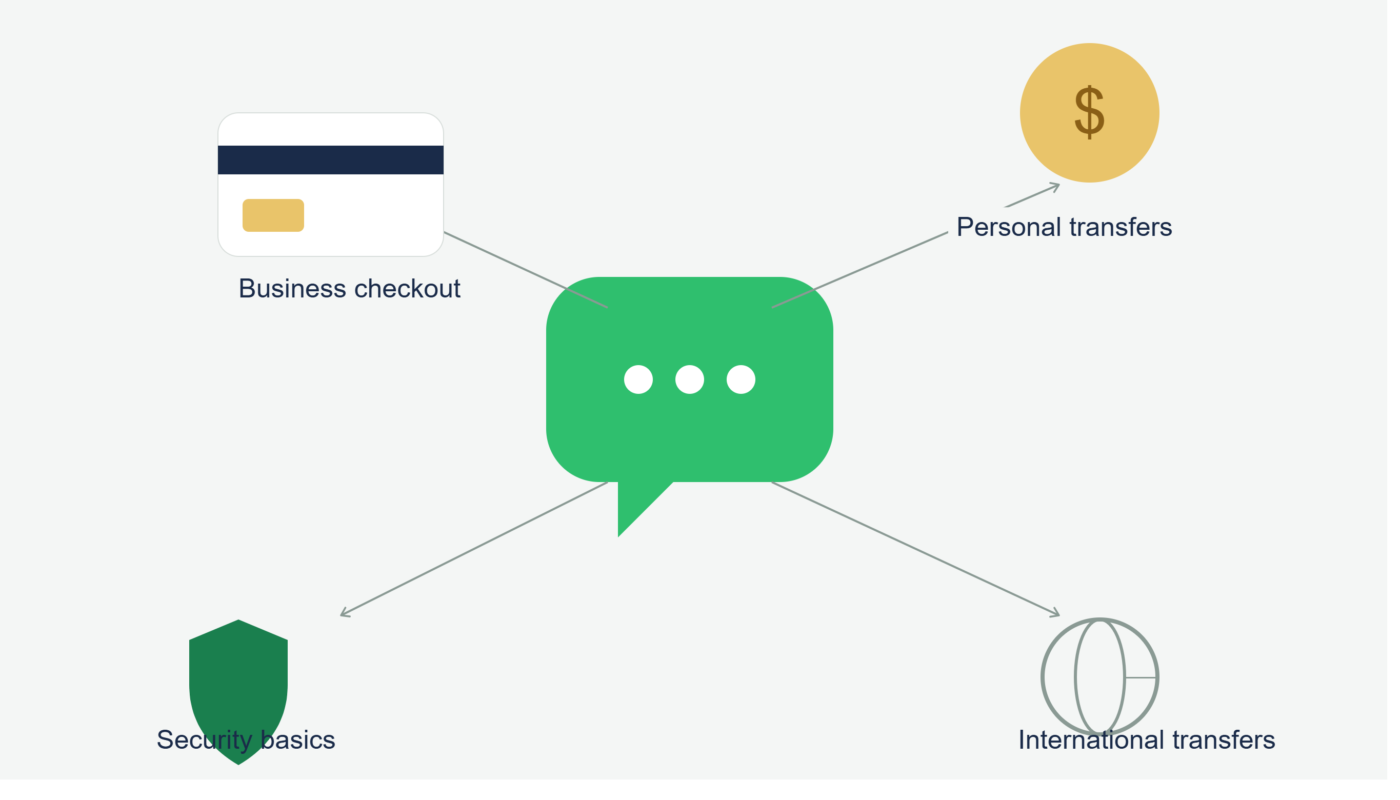
I think the confusion happens because there genuinely are several legitimate ways WhatsApp connects to money in the U.S. — they’re just separate systems, not one unified feature. Let me walk through each one, since I’ve personally used all of them at this point.
1. Coordinating Personal Payments Through Other Apps
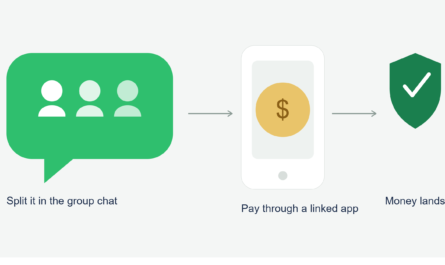
This is the most common real-world use, and it’s basically what most people mean when they say they “send money through WhatsApp.” You’re not actually moving money inside the app. You’re using WhatsApp to talk, then sending or requesting money through Venmo, Zelle, Cash App, or PayPal, often by pasting a request link right into the chat.
I do this constantly with roommates and friends. It works fine, it’s just not automatic — there’s no native button for it.
2. Paying Small Businesses Through Chat-Based Checkout Links
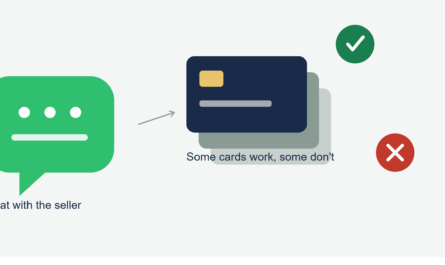
A lot of small U.S. sellers now run their entire storefront through WhatsApp Business. I’ve bought things from a home baker and a leather goods maker this way. The process usually looks like browsing a product catalog inside the chat, then getting sent a Stripe or Square payment link to actually complete the purchase.
The card details never get typed into WhatsApp itself in a legitimate setup — they go through the processor’s own secure checkout page.
3. Businesses Linking a Card for Messaging Costs
This one surprised me when I first learned about it. If a business uses the WhatsApp Business API to send automated messages, like order updates or appointment reminders, Meta charges a small per-message fee once the business exceeds its free monthly conversation allowance. To cover that, the business links a credit or debit card directly inside Meta Business Manager.
That card has nothing to do with how customers pay the business. It’s purely for covering Meta’s messaging fees. I only understood this clearly after helping a friend set up her candle shop’s automated shipping notifications and watching her get asked to add a card for exactly this reason.
4. International Remittances Coordinated Through WhatsApp
This is where WhatsApp genuinely shines, even without a built-in wallet. A coworker of mine sends money to her family overseas every month using a dedicated transfer service like Wise, but she coordinates timing, amounts, and confirmations with her family entirely over WhatsApp voice notes and screenshots. It’s not the transfer mechanism, but it’s an incredibly useful communication layer around it.
Step-by-Step: A Safe Way to Handle Any Money-Related WhatsApp Situation
Whichever of the four scenarios above applies to you, the underlying safety habits stay the same. Here’s what I actually follow now.
- Never enter card or bank details directly into a chat message. Always use an actual payment link or checkout page.
- Check where a link is actually taking you before entering anything. It should land on a recognizable processor page, like Stripe, Square, PayPal, or your bank’s own site.
- Verify unexpected “payment” or “urgent transfer” messages independently. If a message claims a feature just launched or an offer is expiring, check Meta’s actual newsroom or a trusted tech outlet before acting.
- Use a credit card over debit for unfamiliar sellers, since it usually gives you stronger dispute protection if something goes wrong.
- Keep screenshots of confirmations, especially for international transfers or ongoing service payments like personal training or freelance work.
- If you run a business, separate your Meta billing card (for messaging fees) from your actual customer payment processor. They should never be treated as the same system.
A Mistake I Made That Fits Right Into This
Earlier this year, before I fully understood the difference between these systems, a client asked me to send my banking details for a freelance payment directly in our WhatsApp chat instead of using an invoice. I did it without thinking twice, because the conversation already felt personal and trustworthy.
Nothing bad happened that time, but looking back, that was genuinely risky. A chat message isn’t a secure payment form, no matter how encrypted the overall app is. I switched to sending an actual invoice link through a tool like Wave after that, and now I only ever share a link, never raw numbers.
A Real Example Where This Went Smoothly
Contrast that with a dog groomer I know who runs appointment reminders through a WhatsApp automation tool and takes actual payment through a separate Square reader in person. Her Meta billing card covers the automated reminder messages, her Square account handles real customer payments, and she’s never once mixed the two up. That separation is really the whole trick to using WhatsApp safely around money.
Common Mistakes to Avoid
- Believing forwarded messages claiming WhatsApp has launched a new payment feature in the U.S.
- Typing card or bank numbers directly into a chat instead of using a proper payment link
- Confusing a business’s Meta billing card with the system that actually processes customer payments
- Using a debit card for unfamiliar sellers instead of a credit card with dispute protection
- Assuming international transfers can happen inside WhatsApp itself, rather than through a dedicated service like Wise or Remitly
Final Thoughts
My mom ended up not sending anything, thankfully, and I walked her through exactly what WhatsApp does and doesn’t do around payments so she’d recognize the next fake version of that message when it inevitably shows up again.
The real picture is honestly less exciting than the rumor: WhatsApp doesn’t move your money directly in the U.S. What it does is sit alongside a handful of real payment tools, letting you coordinate, confirm, and communicate around transactions that actually happen somewhere else. Once you know which system you’re dealing with in any given moment, the whole thing stops being confusing and just becomes another normal part of how you use the app.