Six of us went on a ski trip to Colorado back in February, and I made the mistake of being the one who booked the Airbnb. Big mistake, because that meant I was also the one chasing five people for their share of $1,840 for four nights.
Naturally, we had a WhatsApp group for the trip already, full of gear lists, weather screenshots, and someone’s dog photos for no reason. So when it came time to collect money, everyone just assumed we’d “handle it in the group chat.”
That phrase — “just send it through WhatsApp” — came up constantly that week. And every single time, what people actually meant was: request it through some other app, but talk about it in WhatsApp. Nobody actually meant WhatsApp itself was moving the money. It took me way too long to realize that’s genuinely how this works for U.S. users, and once I understood it, collecting money for that trip got a lot smoother.
I want to walk through exactly how this works, because I’ve now used this exact setup for trip splitting, rent, a family remittance situation, and even paying a landscaper, and there are a few things I wish someone had told me before I figured them out the hard way.
The Straight Answer: Not Directly, No
If you’re picturing an actual “Send Money” button inside WhatsApp where you type an amount and tap a contact, that doesn’t exist for U.S. accounts. I’ve gone looking for it more than once, half expecting Meta to have quietly added it.
WhatsApp Pay is real, but it only operates in India and Brazil right now, tied to those countries’ specific banking and payment systems. There was chatter years ago about Meta bringing something similar to the U.S. through a project called Novi, but that got discontinued, and nothing has replaced it since.
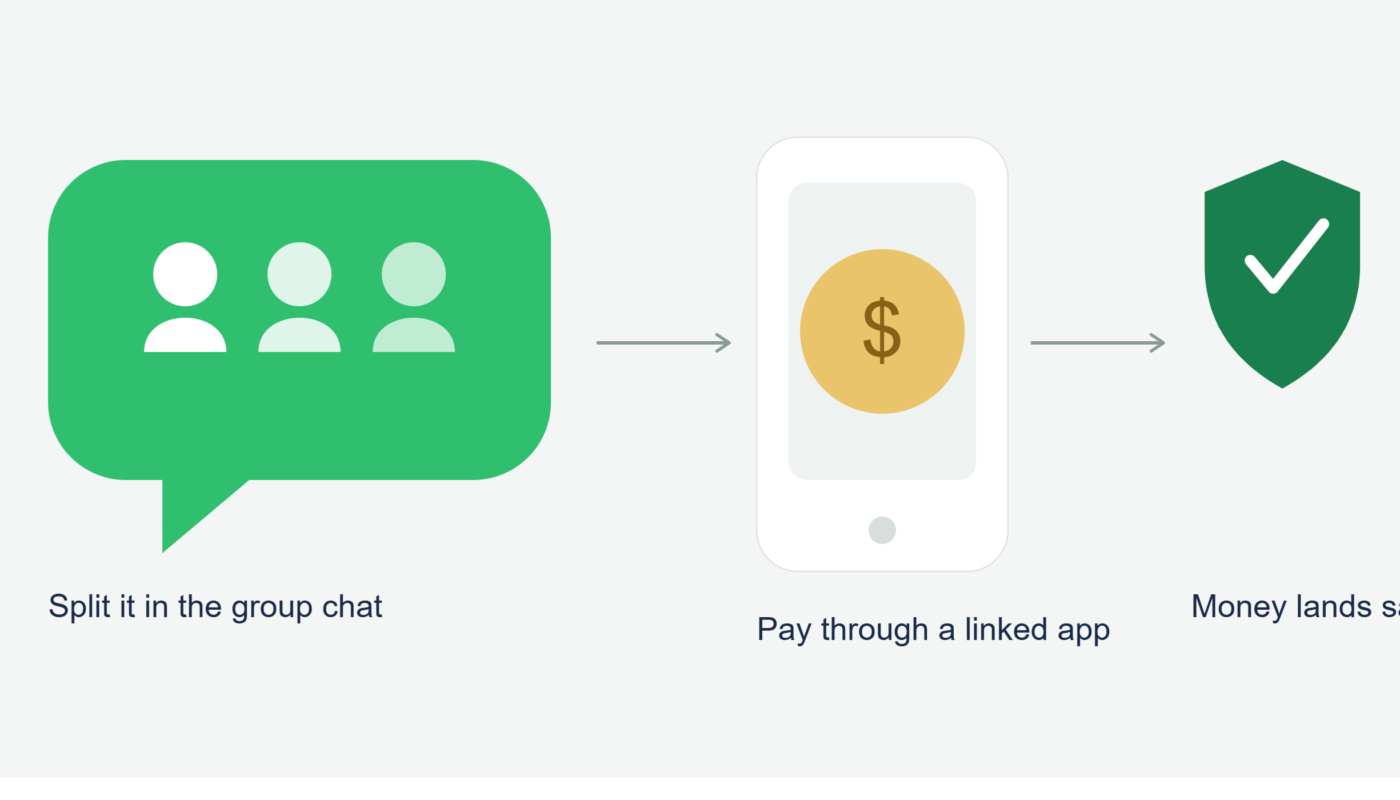
So the honest answer is: you can’t send money through WhatsApp in the technical sense. What you can do is use WhatsApp as the coordination hub while the actual money moves through a separate app.
What “Sending Money Through WhatsApp” Actually Looks Like
Here’s the setup I ended up using for the ski trip, and it’s basically become my default for any group money situation since.
Step 1: Pick One Payment App as the Group Standard
The biggest mess in our group chat happened because two people wanted to use Venmo, one person only had Zelle through her bank, and one guy insisted on Cash App because he already had a balance sitting in it.
Lesson learned: agree on one app before money starts moving. I now just ask in the group chat, “everyone got Venmo or Zelle?” before assuming.
Step 2: Send the Request or Payment Details in the App, Then Confirm in WhatsApp
Once everyone agreed on Venmo, I created one request from my Venmo app for $306.67 each (yes, we actually did the math to the penny, because ski trip friends are ruthless about that), and sent the request link into the WhatsApp group.
People tapped it, paid through Venmo directly, and then just replied “sent ✅” in the chat so I could track who still owed.
Step 3: Use WhatsApp for the Human Part, Not the Money Part
This is honestly where WhatsApp adds the most value. Group chats are great for reminders, gentle nudges, and confirming who’s actually paid without it feeling like a formal invoice. I sent one voice note halfway through the week that just said “two more people, no rush, just don’t forget” — way less awkward than a follow-up email would have been.
Real Scenario: Sending Money to Family Overseas
A coworker of mine, Priya, sends money to her parents in India roughly every month, and she coordinates the whole thing over WhatsApp with her dad. Here’s how she described her process to me over lunch.
She uses Wise to actually move the funds, since it tends to have lower fees and better exchange rates than a straight bank wire for her amounts. But before and after sending, she talks the whole thing through with her dad on WhatsApp, because the currency conversion confuses him and he wants to know exactly what’s landing in rupees, not just what she sent in dollars.
Her workflow:
- Check the live exchange rate inside the Wise app
- Send a quick WhatsApp voice note telling her dad the amount in both dollars and rupees
- Complete the transfer through Wise
- Screenshot the confirmation and send it in the same WhatsApp chat, so he has a timestamp for when to expect it
She told me the voice note step actually matters more than people think, because typed numbers get misread more often than you’d expect, especially with lakhs and crores versus thousands and millions causing mix-ups.
The Mistake That Cost Someone $15 on Our Trip
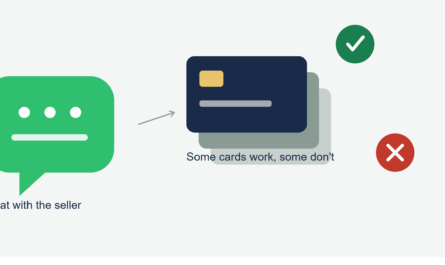
One of my friends on the ski trip, instead of paying the Venmo request from his linked bank account, used his debit card to fund the payment because he didn’t want to wait a few days for the transfer to clear. That triggered an instant transfer fee on his end, plus he later realized his bank flagged it briefly as unusual activity since it was a larger amount sent through a card rather than the usual bank transfer.
Nothing serious happened, but he ended up paying about fifteen extra dollars in fees just because he wanted the transaction to look “settled” faster in the group chat. If you’re not in a rush, funding through your linked bank account instead of a card almost always avoids these instant-transfer fees.
Comparing the Realistic Options for U.S. Users
Since there’s no single “correct” app, here’s how I actually think about picking one, based on real use over the past year:
- Zelle — best when everyone already banks somewhere that supports it. It’s fast, free, and money lands directly in a checking account. Downside: no purchase protection, so only use it with people you trust completely.
- Venmo — great for groups because of the request feature and shared visibility on who’s paid (if you keep transactions public, which I don’t always recommend for privacy reasons).
- Cash App — works well if the other person already has a Cash App balance they want to use, and it has some added features like a debit card and stock/crypto options, though I don’t use those personally.
- PayPal — useful for slightly more formal transactions, like paying a contractor or freelancer, since it has more built-in dispute options than the others.
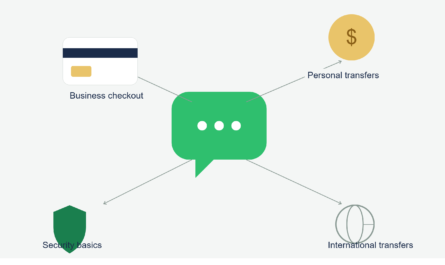
- Wise or Remitly — the better choice specifically for international transfers, since domestic apps like Venmo and Zelle don’t support sending money outside the U.S. at all.
None of these live inside WhatsApp. They just get talked about there.
Step-by-Step: Setting This Up for Your Own Group Chat
- Pick one payment app that the most people in the group already have
- Have one person create the request or send payment details clearly, including the exact amount
- Paste the request link or payment info into the WhatsApp chat
- Ask people to confirm with a quick reply once they’ve paid, so nobody has to guess
- Fund payments through a linked bank account when you’re not in a rush, to avoid instant transfer fees
- For anything international, use a dedicated transfer service like Wise, and just use WhatsApp to confirm amounts and timing
Common Mistakes to Avoid
- Assuming WhatsApp has a built-in payment feature for U.S. accounts (it doesn’t)
- Letting a group default to three different payment apps instead of agreeing on one upfront
- Funding payments with a debit or credit card when a bank transfer would’ve been free and just as fast
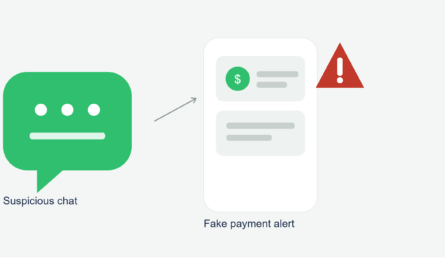
- Sending money to someone you’ve never actually verified, just because they’re in a group chat you trust
- Skipping screenshots or confirmations, which makes tracking who’s paid unnecessarily confusing
Final Thoughts
By the end of that ski trip, I had all $1,840 collected two days before the actual Airbnb charge hit my card, which honestly felt like a small miracle given how these things usually go. The system wasn’t complicated once we stopped expecting WhatsApp itself to be the payment app and just let it do what it’s actually good at: keeping everyone talking and accountable.
If you’re trying to figure out how to “send money through WhatsApp,” the real move is picking a payment app your group already trusts, using WhatsApp to coordinate and confirm, and keeping the actual money movement on a platform built for it. It’s not as seamless as one app doing everything, but once you’ve done it a couple of times, it becomes second nature.