My sister started selling handmade soap out of her kitchen last year, purely as a side hustle, and she asked me to help her figure out how to actually get paid without building a full website. We landed on WhatsApp Business within a week, and I ended up setting up the whole payment side myself, mostly through trial and error.
That was almost a year ago now. She’s processed a few hundred orders since then, dealt with one chargeback, switched payment processors once, and finally has a setup that works smoothly. I want to walk through exactly what we built, because most guides talk about WhatsApp Business from the customer’s side. This one’s from the seller’s chair.
Setting Up the Basics First
Before any payment stuff matters, you need an actual WhatsApp Business account, which is different from a regular WhatsApp account. It’s a free download from the App Store or Google Play, separate from the regular WhatsApp app, and it comes with business-specific features like a catalog, automated greeting messages, and labels for organizing customer conversations.
We used my sister’s dedicated business phone number for this, which I’d recommend to anyone starting out. Mixing a personal number with a growing customer base gets messy fast.
Steps to get the business basics in place:
- Download WhatsApp Business
- Register with a dedicated business phone number, separate from your personal one
- Fill out your business profile completely, including hours, address if relevant, and a short description
- Build out your catalog under the Business Tools menu, adding photos and prices for each product
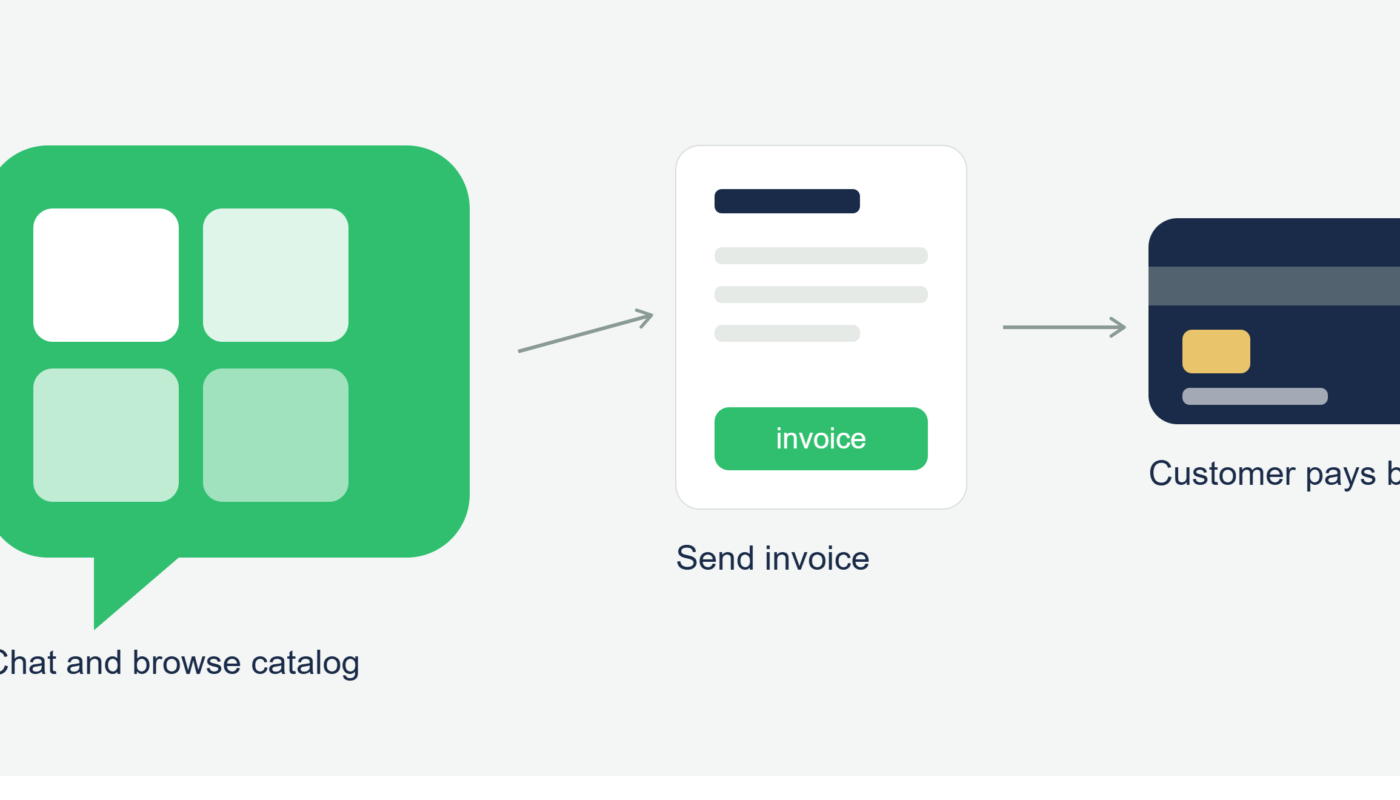
Once the catalog was live, customers could browse her soap lineup directly inside a chat, which honestly felt more personal than a typical online store, and several early customers told her that’s exactly why they trusted the purchase.
The Actual Payment Question: Which Processor to Use
This is where most of my time went. WhatsApp Business doesn’t have a built-in checkout system for U.S. accounts, so you need to connect a separate payment processor and send customers a link when they’re ready to buy.
We tested three options over several months.
PayPal was the easiest to set up initially. My sister already had a personal PayPal account, and creating invoices took minutes. The downside was the fees, which run higher than the other two options for standard transactions, and customers occasionally got confused seeing a personal PayPal name instead of her business name on the payment page.
Square ended up being our long-term choice. Setting up a free Square account and creating invoices felt just as easy as PayPal, but the fees were slightly lower, and it displayed her actual business name clearly on the checkout page. Square also gave her simple sales reporting, which made tax season noticeably less painful.
Stripe offered the most flexibility and the cleanest-looking checkout pages, but it took more setup effort upfront, including verifying business details more thoroughly. For a solo kitchen-table business, that extra step felt like more than we needed at the time, though I’d recommend it for anyone planning to scale up quickly.
We settled on Square, mainly for the balance of simplicity and professional appearance, but there’s no universally “correct” choice here. It depends on how much setup effort you want upfront versus what you’re comfortable paying in fees.
Step-by-Step: How a Typical Sale Actually Works Now
Here’s the exact flow we use today, after a year of refining it.
- Customer messages asking about a product from the catalog
- My sister confirms availability and any customization details
- She creates a Square invoice for the exact amount, including any shipping cost
- She sends the invoice link directly in the WhatsApp chat
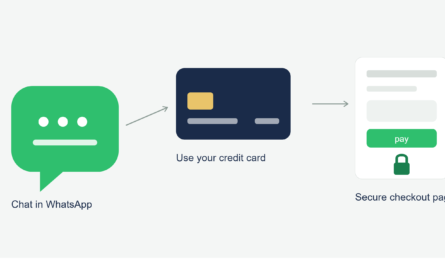
- Customer taps the link, enters their card details on Square’s checkout page, and completes payment
- Square sends an automatic receipt to the customer’s email
- My sister gets a notification and begins preparing the order
The card details never touch WhatsApp itself in this flow, which matters both for her liability as a business owner and for her customers’ peace of mind.
The Chargeback That Taught Us the Most
About four months in, a customer claimed she never received her order and filed a chargeback through her credit card company. My sister had, in fact, shipped it, with tracking to prove it, but she hadn’t saved that tracking information anywhere organized. It was just sitting in an old text thread from the shipping app.
She ended up spending an entire evening digging through old messages to piece together proof of delivery for the dispute. Square eventually sided with her once she submitted the tracking number, but it was a stressful scramble that didn’t need to happen.
Now every single order gets logged in a simple spreadsheet: order date, customer name, amount, tracking number, and delivery confirmation. Takes an extra thirty seconds per sale and would have saved her hours during that dispute.
Dealing With Meta’s Business Billing (A Separate System Entirely)
Once her order volume grew, my sister started using a basic WhatsApp automation tool to send order confirmation and shipping update messages automatically instead of typing each one by hand. That triggered a requirement to add a payment method directly to her Meta Business Manager account, since Meta charges a small per-message fee for automated messages once you exceed the free monthly conversation limit.
This card has nothing to do with how customers actually pay her for soap. It’s purely to cover Meta’s messaging costs. We initially found this confusing, assuming it was somehow connected to her actual payment processor, until we realized they’re two completely separate systems that just happen to both involve a card and the word “WhatsApp.”
A Mistake That Cost Her a Sale
Early on, before we’d settled on Square, my sister tried accepting a payment by asking a customer to just “Venmo it directly” to her personal account instead of going through a proper invoice. The customer, understandably, felt uncomfortable sending money to an individual for what was supposed to be a business purchase and backed out of the sale entirely.
That was a fair reaction on the customer’s part. A proper invoice with a business name attached looks legitimate. A random personal payment request from an individual, for a business transaction, looks exactly like the kind of thing scam warnings tell people to avoid.
Step-by-Step: Setting Yourself Up the Right Way From Day One
- Use a dedicated business phone number and complete business profile from the start
- Choose one processor (Square, Stripe, or PayPal) and stick with it consistently, rather than mixing methods per customer
- Always send a proper invoice or checkout link, never a personal payment request, for business transactions
- Log every order with tracking and delivery confirmation somewhere organized, even a simple spreadsheet
- Separate your Meta Business Manager billing card from your actual customer payment processor mentally and administratively
- Review your processor’s dispute and chargeback policies before you need them, not during an actual dispute
Common Mistakes to Avoid
- Mixing a personal payment app request with what should be a professional business transaction
- Not keeping organized records of shipping and delivery proof until a dispute forces you to scramble
- Confusing Meta’s messaging billing card with your actual customer payment processor
- Switching payment processors too often, which confuses returning customers
- Underestimating how much a clean, professional-looking checkout page affects customer trust
Final Thoughts
My sister’s soap business is still small, but it runs a lot more smoothly than it did in those first few chaotic weeks of just figuring things out as we went. The core setup really isn’t complicated once you separate the pieces clearly: WhatsApp Business for the storefront and conversation, a real payment processor for the actual transaction, and good record-keeping tying it all together.
If you’re starting a small business through WhatsApp, don’t overthink the processor choice at first. Pick one, set it up properly with a real invoice system, and adjust later once you actually understand your own sales patterns. That’s exactly how we landed where we are now, just with a few more bumps along the way than necessary.