Last month my brother-in-law, who moved here from Mexico City a few years ago, asked me to “just WhatsApp him the rent split” for the Airbnb we booked together. I laughed and told him that’s not really a thing you can do here. He looked at me like I’d told him the sky wasn’t blue.
Where he grew up, sending money through WhatsApp is completely normal. Here in the U.S., it isn’t — at least not directly. But that doesn’t mean WhatsApp is useless for money stuff. I’ve actually used it quite a bit for coordinating payments, and there are some genuinely useful ways to make it work. There are also a couple of ways people get burned trying to force it to act like Venmo when it just isn’t built for that here.
I spent some time this past week going through every payment-adjacent feature WhatsApp offers on my phone, testing what actually works for U.S. accounts, and comparing notes with a few friends who run small businesses through the app. Here’s what I found.
First, Let’s Clear Up the Big Misconception
WhatsApp does not have a built-in “send money” button for U.S. users. Nothing like Venmo’s transfer screen, nothing like Cash App’s send feature.
That functionality — called WhatsApp Pay — genuinely exists, but only in India and Brazil, where it’s tied into those countries’ national payment systems (UPI in India, Facebook Pay/Pix-adjacent rails in Brazil). Meta looked into bringing something similar to the U.S. years ago through a digital wallet project called Novi, but that project got shut down, and no direct replacement has taken its place in the app.
So if you open WhatsApp settings hunting for a payments tab, you’ll find things like linked devices, privacy settings, and chat backups — but no wallet. I know because I looked, more than once, convinced I was just missing a menu.
So How Do People Actually Move Money “Through” WhatsApp Here?
This is the part that actually matters, because U.S. users absolutely do use WhatsApp around money — just not with a native transfer feature. Here’s what that looks like in real life.
1. Sending Payment App Links in Chat
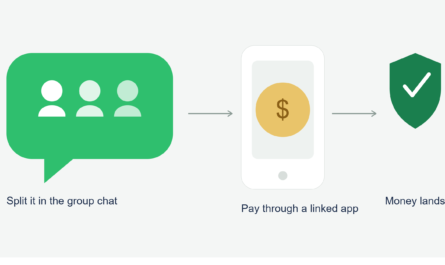
This is by far the most common workaround, and honestly, it works fine. If I owe a friend for dinner, I just open Venmo, tap “request,” generate a link, and paste it into our WhatsApp thread. Same goes for Cash App and Zelle.
It’s not automatic — there’s no button inside WhatsApp for it — but it takes maybe fifteen seconds once you’re used to it.
Quick steps:
- Open your payment app (Venmo, Cash App, PayPal, or your bank’s Zelle feature)
- Create a payment request or send a direct transfer
- Copy the confirmation or request link if one is generated
- Paste it into your WhatsApp chat so the other person has a record and a direct tap-through
I do this constantly with my roommate for utility splits. It’s not glamorous, but it works, and everything stays documented in the same conversation where we already talk about the bills.
2. Small Businesses Using WhatsApp Business with Payment Links
This is where things get more interesting, and it’s honestly the closest thing to a “real” WhatsApp payment experience in the U.S.
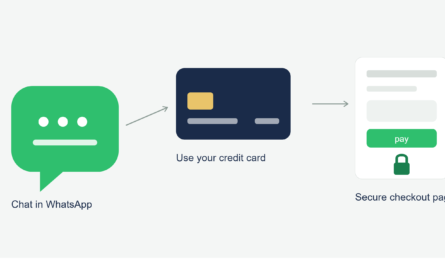
A friend of mine sells handmade leather goods and runs her entire shop through WhatsApp Business. Customers message her, she sends a catalog, and once someone picks an item, she sends a Square invoice link right in the chat. The buyer taps it, pays with a card or Apple Pay, and she gets notified instantly.
I tested this myself as a “customer” by ordering a wallet from her. The whole flow felt smooth — the actual card entry happened on Square’s secure page, not inside WhatsApp, but the entire conversation, negotiation, and confirmation happened right there in the app.
3. International Money Transfers (This Is Where WhatsApp Actually Shines)
Here’s something a lot of people don’t realize: while WhatsApp doesn’t do domestic P2P transfers in the U.S., it’s genuinely useful for coordinating international remittances, especially if you’re sending money to family abroad.
My neighbor sends money to her parents in the Philippines every month. She doesn’t do it inside WhatsApp directly, but she uses WhatsApp to confirm amounts, exchange rates, and confirmations with her family in real time while she processes the transfer through a service like Wise, Remitly, or Western Union’s app.
The trick she taught me: screenshot the transfer confirmation and send it directly in the WhatsApp chat so her parents know exactly when to expect the funds and how much converted. It sounds simple, but it’s saved her from a few confused phone calls at odd hours.
4. WhatsApp Business API for Bigger Companies
If you’ve ever gotten a message from an airline, a delivery service, or a subscription company asking you to confirm a payment through WhatsApp, that’s usually powered by the WhatsApp Business Platform (the official paid API), connected to a payment processor behind the scenes. It looks similar to what small businesses do, just automated and scaled up.
The Mistake I Made (Learn From This)
Early on, I tried to be “efficient” and asked a client I was doing freelance design work for to just send my payment details directly in our WhatsApp chat instead of using an invoice tool. I typed out my bank routing and account number right there in the conversation.
Nothing bad happened that time, but afterward I realized how careless that was. WhatsApp messages are encrypted in transit, which protects them from being intercepted by outsiders, but that doesn’t protect you if the person on the other end of the chat isn’t who they say they are, or if their phone gets compromised. Encryption isn’t the same thing as safety once information is sitting inside a conversation.
Now I use a proper invoicing tool (I switched to Wave for freelance stuff) and just send the link through WhatsApp instead of raw account numbers. Small change, much safer habit.
Step-by-Step: A Safer Way to Handle Money Talk on WhatsApp
- Never send full bank account numbers, card numbers, or routing info as plain text in a chat. Use a payment link or invoicing tool instead.
- Confirm the person’s identity before sending anything, especially for larger amounts. A quick phone call or video chat takes thirty seconds and can save you from a scam.
- Use official app links, not shortened or unfamiliar URLs. If a “payment link” looks like a random string with no recognizable domain, don’t tap it.
- Screenshot confirmations for your records, especially with international transfers where timing and exchange rates matter.
- Stick to platforms with buyer or fraud protection (Venmo, PayPal, Cash App, Zelle through your actual bank app) rather than sending money directly to unfamiliar sellers with no recourse.
- If you’re a small business owner, use a real payment processor like Square, Stripe, or PayPal Checkout rather than accepting raw card numbers over chat.
A Scam I Almost Fell For
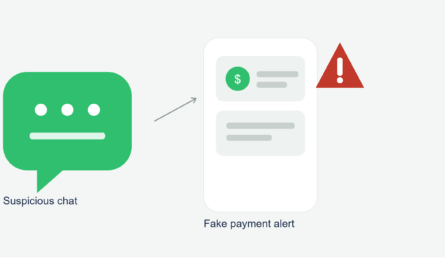
A few weeks after helping my friend with her shop, I got a message from someone posing as a “buyer” claiming they’d already sent payment through Zelle and just needed me to confirm my email to “release the funds.” I don’t even sell anything through WhatsApp, so it was clearly a scattergun scam attempt, but I could absolutely see how someone running a real WhatsApp Business shop might panic and click a fake confirmation link under pressure.
The tell was pretty clear once I looked closely: legitimate Zelle transfers don’t require you to click an external link to “confirm” or “release” anything. If a message like that shows up, it’s almost always fake.
Common Mistakes to Avoid
- Assuming WhatsApp works like it does in other countries and searching for a payment tab that doesn’t exist for U.S. accounts
- Sending raw bank details or card numbers directly in a chat message
- Trusting “confirmation” links from unknown senders claiming a transfer is pending
- Skipping identity verification for larger payments just because the conversation feels familiar
- Forgetting to screenshot or save transfer confirmations, especially for remittances where amounts and dates matter later
Final Thoughts
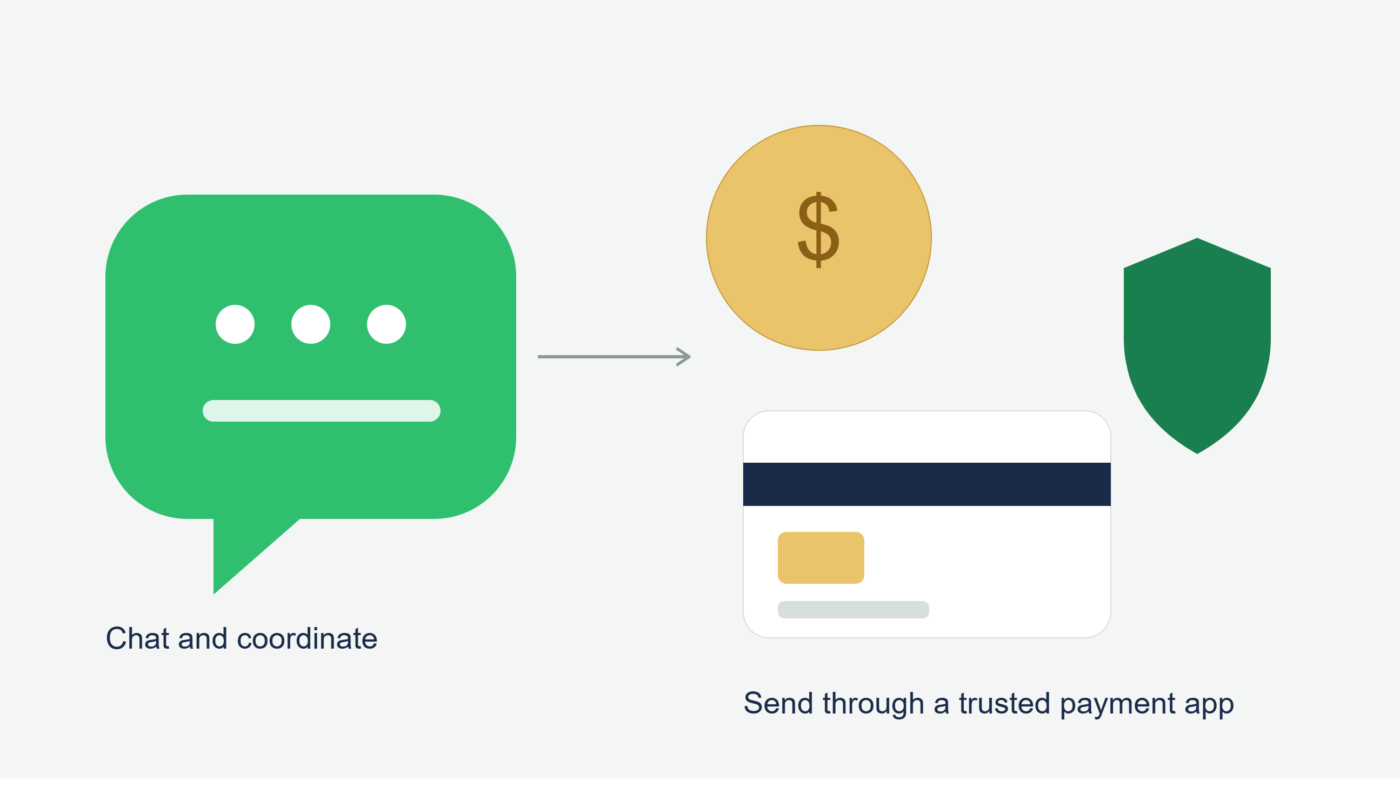
WhatsApp isn’t a payment app in the U.S., and I don’t think it’s trying to be one right now. But treating it purely as a messaging layer — one that sits alongside Venmo, Zelle, Square, or Wise rather than replacing them — actually works pretty well once you get the hang of it.
My brother-in-law eventually got used to the idea that here, WhatsApp is where we talk about the money, not where the money itself moves. He still thinks it’s a little backwards compared to what he’s used to, and honestly, some days I agree with him. But until Meta decides to bring a real payments feature to U.S. accounts, this combination of chat plus a separate trusted payment tool is the safest and most practical way to handle it.