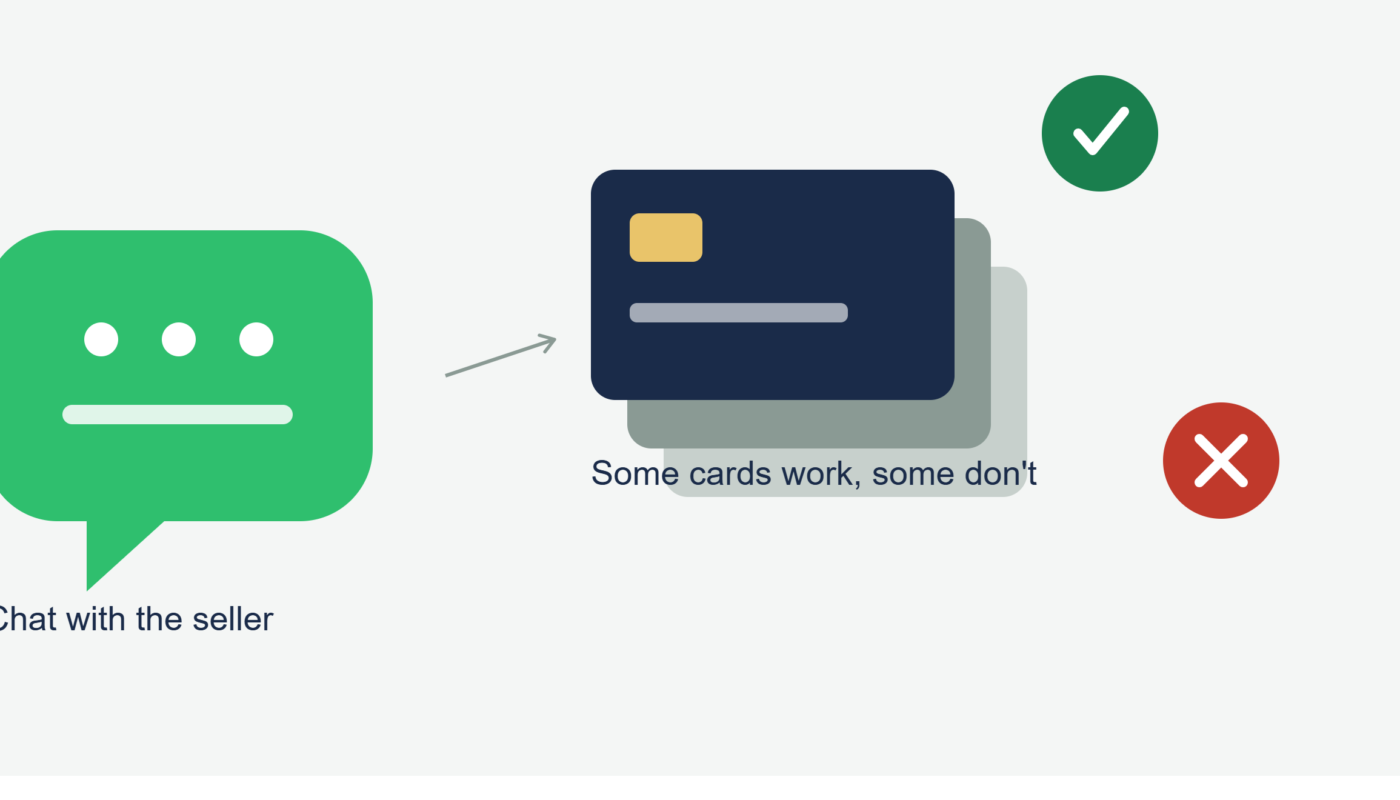
I was mid-checkout for a custom cake order through a baker’s WhatsApp Business chat last spring when my Amex got declined. I tried again, figured it was a fluke, and it declined a second time. Confused and slightly embarrassed, I switched to my Visa card on the same link, and it went through instantly.
Turns out that specific detail — which card network actually works on which checkout tool — is something nobody talks about when people ask “can WhatsApp be used for credit card payments.” Everyone focuses on whether it’s possible at all. Almost nobody talks about which cards actually work well once you get there, or which ones earn you the most back for doing it.
I’ve now paid for things through WhatsApp-connected checkouts using four different credit cards over the past year, specifically comparing how each one performed, what got declined, and what actually paid off in rewards. Here’s the full breakdown.
Quick Answer: Yes, But Through a Separate Checkout, Not WhatsApp Itself
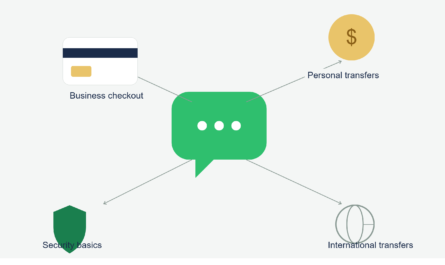
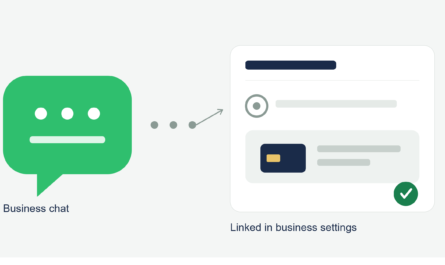
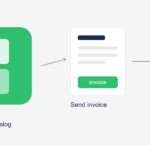
WhatsApp doesn’t process credit cards directly for U.S. accounts. When you pay a business through a WhatsApp chat, you’re really being sent to a separate checkout page run by a payment processor like Stripe, Square, or PayPal. Your card gets charged there, not inside WhatsApp itself.
That distinction matters for this whole topic, because “using a credit card with WhatsApp” really means “using a credit card on whatever checkout tool the seller happens to be using,” and that choice affects which cards work and how well.
Why My Amex Got Declined
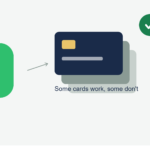
After the cake incident, I actually asked the baker directly what was going on. She told me she used a basic Stripe payment link setup and had it configured to only accept Visa, Mastercard, and Discover, mainly because Amex charges higher processing fees to the business than the other networks.
That’s actually pretty common with small sellers running lean operations through WhatsApp Business. Bigger, more established checkout setups usually accept all major networks, but a lot of home-based sellers configure things to minimize their own fees, which sometimes means dropping Amex support entirely.
Comparing the Networks Across Different WhatsApp-Linked Checkouts
I made a point of testing multiple cards across a few different sellers over the following months, just to see what patterns showed up.
Visa worked everywhere I tried it. Every Stripe link, every Square invoice, every PayPal request accepted it without issue.
Mastercard performed the same as Visa in my experience — universally accepted across every setup I encountered.
Discover worked on most Stripe and PayPal links but got rejected once on a Square invoice from a smaller seller who apparently hadn’t enabled it in his account settings.
American Express was the most inconsistent. It worked fine through PayPal-based checkouts and larger Square setups, but got declined on two different basic Stripe links from smaller, individual sellers.
If you’re a frequent WhatsApp Business shopper and you primarily carry an Amex, it’s worth having a backup Visa or Mastercard ready, since you’ll hit more friction than someone using either of those two.
Which Card Actually Pays You Back the Most
Once I got past the decline issues, I started paying closer attention to rewards, since these purchases counted as regular online transactions on my statements, not some special “WhatsApp” category.
My Chase Sapphire Preferred earned standard points since these purchases don’t fall under any bonus category like dining or travel. My Citi Custom Cash card, on the other hand, occasionally landed in a 5% bonus category depending on what I was buying, since it rotates based on your highest spending category each cycle. Buying baked goods happened to count toward a grocery-adjacent bonus one month, which was a nice surprise.
The lesson here: there’s no special rewards multiplier tied to “WhatsApp purchases” as a category, because the card networks simply see these as normal online transactions through Stripe, Square, or PayPal. Whatever normally earns you the best return online will earn you the best return here too.
Step-by-Step: Getting the Best Outcome When Paying a WhatsApp Seller
- Ask which processor the seller uses, if it’s not obvious from the link, so you know roughly what to expect
- Have a backup card ready, especially if your primary card is an Amex, since smaller sellers sometimes don’t support it
- Check the checkout page before submitting for accepted card logos, usually shown near the payment field
- Use whichever card earns the best rewards for general online purchases, since there’s no special bonus category tied to this type of transaction
- Save the confirmation page or email receipt, since disputes go through your card issuer, not WhatsApp itself
- If a card gets declined, don’t assume it’s your card’s fault — try a different one before calling your bank, since it might just be a processor-side restriction
A Real Example Where Card Choice Actually Mattered
A friend of mine paid a $600 deposit to a photographer she found through a WhatsApp referral, using her Discover card through a PayPal-based invoice. A few weeks later, the photographer canceled without notice and never responded again.
Because she’d paid with a credit card rather than a bank transfer, she was able to file a dispute directly through Discover, and got the deposit back within about three weeks. If she’d paid through a bank transfer instead, tracing that money back would have been a lot harder, since bank transfers generally don’t carry the same dispute protections that credit cards do.
That’s really the biggest practical reason to care about which credit card you use for these transactions in the first place, beyond just rewards. The protection matters more than the points.
The Mistake I Made Early On
Before I understood any of this, I once tried to “fix” a declined Amex payment by asking the seller if I could just send my card number directly through the chat instead of using the checkout link, assuming maybe there was a glitch with the page itself.
She said no, which in hindsight was the correct and safe response on her end. If she’d said yes, I would have been sending my full card number as plain text in a chat message, with none of the protections a real checkout page provides. That request should have been a red flag about her setup, not something I should have offered as a workaround.
Common Mistakes to Avoid
- Assuming a declined card means something is wrong with your account, instead of checking if the seller’s checkout tool simply doesn’t support that network
- Offering to type card details directly into chat as a workaround when a checkout link isn’t cooperating
- Expecting a special rewards bonus category for WhatsApp-related purchases, when they’re processed as standard online transactions
- Using a debit card or bank transfer for larger payments to unfamiliar sellers, losing out on credit card dispute protection
- Not asking which processor a seller uses before assuming your preferred card will work
Final Thoughts
WhatsApp itself will never see your credit card number in any of this, and that’s honestly a good thing. The real decision comes down to which checkout tool the seller is using and which of your cards actually plays nicely with it, along with picking whichever one gives you the strongest rewards or protection for a normal online purchase.
My Amex still gets declined occasionally on smaller sellers’ links, so I’ve just gotten into the habit of keeping my Visa ready as a backup every time I’m about to pay someone through a WhatsApp chat. Small adjustment, but it’s saved me a few awkward moments since that first cake order.